Quick Answer
Open the Alexa app → tap Devices → pick your Echo → tap the gear icon (Settings) → tap Wake Word → choose one of the six options (Alexa, Amazon, Computer, Echo, Ziggy, or Santa) → tap OK to save. The change takes effect in about 10 seconds.
What Is the Wake Word and Why Change It?
The wake word is the word that makes your Echo start listening. You may want to change it if:
- Someone else in the house is named Alexa (or Amazon) and the device keeps triggering
- “Alexa” gets misheard by other devices and wakes up randomly
- You simply want a fresh, more personal trigger word
Note: You can’t use an entirely custom word. Amazon only allows the six built-in options above.
Method 1: Change It in the Alexa App (All Echo Devices)
- Open the Alexa app (iPhone or Android).
- Tap the Devices tab at the bottom.
- Select the Echo device you want to change.
- Tap the gear icon in the top-right corner (Settings).
- Scroll to and tap Wake Word.
- Pick your new word from the list.
- Tap OK to save.
The change applies to that single device only. Repeat for each Echo you want to change.
Method 2: Change It on an Echo Show (On-Screen)
- Swipe down from the top of the Echo Show screen to open the menu.
- Tap the gear icon (Settings).
- Scroll to Device Options → Wake Word.
- Select your new word and confirm.
Still Not Working? Fix This First
| Problem | Fix |
|---|---|
| Option is greyed out | Make sure the device is online and on the same Wi-Fi as your phone |
| Change won’t save | Force-quit the Alexa app and try again |
| Device keeps using Alexa’s name | Check you changed the correct device, not a different Echo |
| App says “can’t connect” | Reboot the Echo and restart the app |
Recommended Echo Device
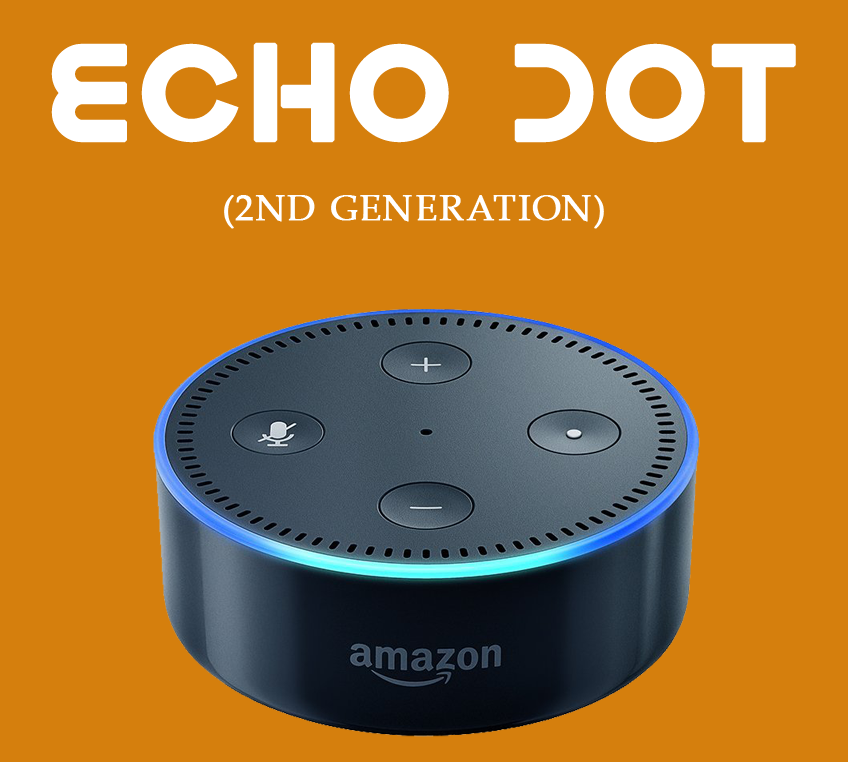
If your current Echo is slow or the wake word often misfires, upgrading to the latest Echo Dot makes voice commands feel snappier.
👉 Check the latest Echo Dot price on Amazon
FAQ
Q: Can I use a completely custom wake word?
A: No — Amazon only supports the six built-in words: Alexa, Amazon, Computer, Echo, Ziggy, and Santa.
Q: Will changing the wake word affect my routines?
A: No. Your routines, skills, and settings all stay the same.
Q: Does each Echo need its own wake word?
A: Yes. The setting is per-device, so change it separately on each Echo.