
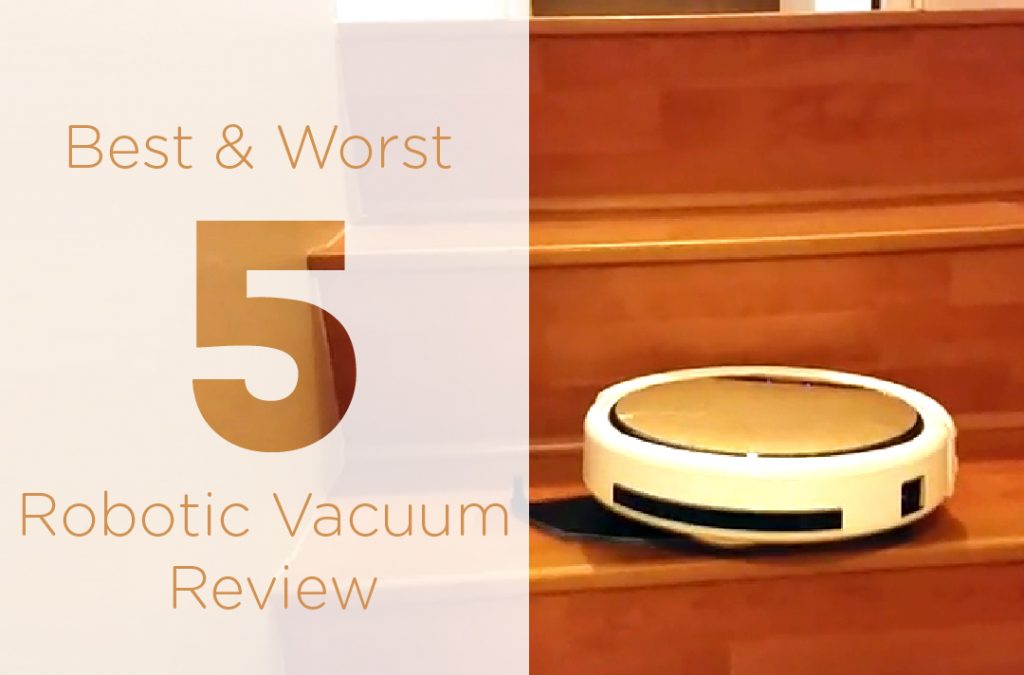
Worst vs Best: Top 5 Robot Vacuum Cleaner for 2020
Are you tired of cleaning your home yourself? Then you should go with robot vacuum cleaners. A gift from the […]
Are you tired of cleaning your home yourself? Then you should go with robot vacuum cleaners. A gift from the […]
Quick Answer Flickering Hue bulbs are almost always a power or signal issue. First, restart the Hue Bridge (unplug it
Quick Answer A smart plug usually goes offline because it’s too far from the router, is on the 2.4 GHz
Quick Answer Press and hold the setup button on the side of the Ring Doorbell for 15 seconds, then release.
Quick Answer Unplug the camera for 30 seconds and plug it back in. Then check your Wi-Fi is up. Most
Quick Answer Turn the Roomba off and remove the battery (if possible). Dirt the cliff sensors (on the bottom edge)
Quick Answer Restart both your router/modem and the Alexa device (unplug 30 seconds). Then open the Alexa app → Devices
Quick Answer Open the Alexa app → tap Devices → pick your Echo → tap the gear icon (Settings) →
Quick Answer Start with the power-cycle: turn the bulb off at the wall switch for 10 seconds, then on. Next,
Quick Answer Most often the metal charging contacts on the Roomba (and the dock) are dirty, or the battery has
Quick Answer Hold the Action button (the dot with a ring) on your Echo Dot for 20 seconds until the