Quick Answer
If your Ecovacs Deebot X2 Omni’s map is wrong or it’s cleaning the wrong room, the fastest fix is: (1) close the door to the room you don’t want cleaned, (2) press “Reset Map” in the Ecovacs app and let it re-map your home once, then (3) set up virtual no-go boundaries. If it keeps getting lost, clean the sensor and make sure the base station has a clear view.
Why Your Deebot Map Gets Confused
- Dirty sensors — the LiDAR or bump sensors can’t see clearly
- Moved base station — the robot lost its reference point
- Furniture moved — the map no longer matches reality
- Low battery — it stopped mid-map and lost progress
- Old firmware — bug that’s been fixed in an update
Step-by-Step: Fix Deebot Mapping Issues
1. Clean the Sensors
Wipe the LiDAR tower on top and the front bumpers with a dry microfiber cloth. Dust here causes map errors.
2. Reset the Map in the App
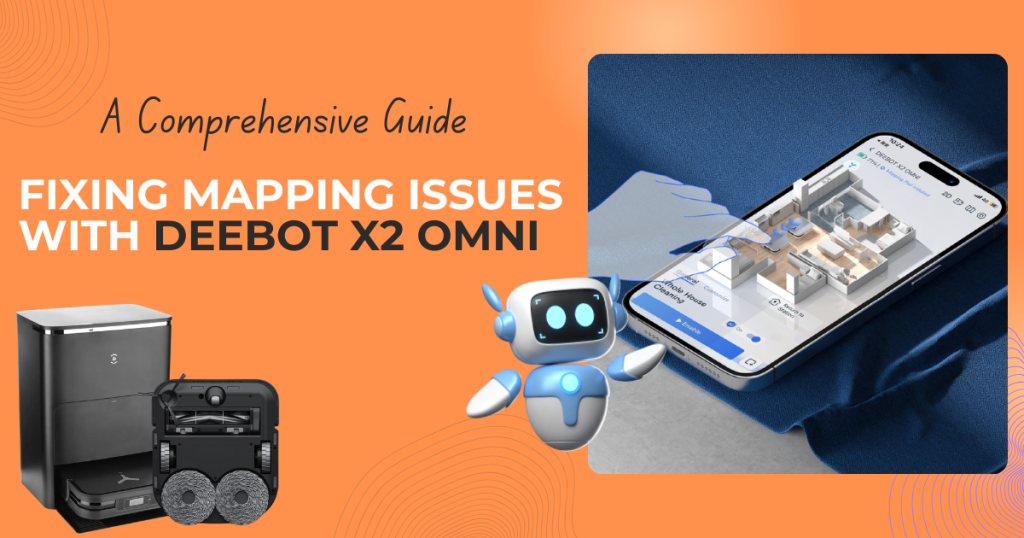
Open the Ecovacs app → Map → Reset map. Let the robot do a full cleaning run to build a fresh map.
3. Re-Position the Base Station
Make sure the base station has clear space (no objects within ~1.5 feet) and doesn’t sit in direct sunlight or near mirrors.
4. Update Firmware
In the app, check for updates under Settings. Ecovacs regularly fixes mapping bugs.
5. Use No-Go Zones
After re-mapping, draw no-go zones or invisible walls in the app for rooms you don’t want it entering.
Recommended: Deebot X2 Omni
If yours is beyond repair or you want the newest model, the Deebot X2 Omni series is a top-rated self-emptying robot vacuum with excellent mapping.
👉 Check the Deebot X2 Omni on Amazon
FAQ
Q: How do I reset my Deebot map?
A: In the Ecovacs app, go to Map settings and tap “Reset map.” The robot will rebuild it on its next clean.
Q: Why does my Deebot keep going into rooms I blocked?
A: Your no-go zones may not have saved after a re-map. Re-draw them after any map reset.
Q: Do I need to re-map after moving furniture?
A: Not always. For big changes, a map reset gives the cleanest result.
![Neato Botvac D7 Connected Robot Vacuum Review [Video]](https://thesmarthomeguru.com/wp-content/uploads/2019/08/Screenshot_2.png)