Quick Answer
Start with the power-cycle: turn the bulb off at the wall switch for 10 seconds, then on. Next, reboot the Hue Bridge (unplug 10s). If the bulb still shows “unreachable” in the app, try moving the bulb closer to the bridge, then reset it.
What “Unreachable” Means
The app can’t talk to the bulb. It’s almost always a range, power, or pairing issue — not a broken bulb.
6 Methods to Fix It
1. Power Cycle the Bulb
Turn the wall switch off for 10 seconds, then back on. Wait 60 seconds.
2. Reboot the Hue Bridge
Unplug the bridge for 10 seconds, plug it back in. Wait 2–3 minutes for lights to return.
3. Move the Bulb Closer
Hue bulbs form a mesh network. If one is far from the bridge, move it closer temporarily, confirm it connects, then move back.
4. Check the Light Switch
Some smart switches cut full power to the bulb. Make sure the switch is on.
5. Delete and Re-add the Bulb
In the Hue app: Settings → Lights → remove the bulb, then Search for Lights to re-add it.
6. Factory Reset the Bulb
Put the bulb in a lamp, turn on, immediately turn off/on 5 times quickly. It will flash and reset.
Troubleshooting Table
| Symptom | Fix |
|---|---|
| One bulb unreachable | Power cycle that bulb |
| Whole room unreachable | Reboot bridge, check router |
| Bulb flickers | Check switch wiring, re-add bulb |
| New bulb won’t pair | Move within 3 feet of bridge |
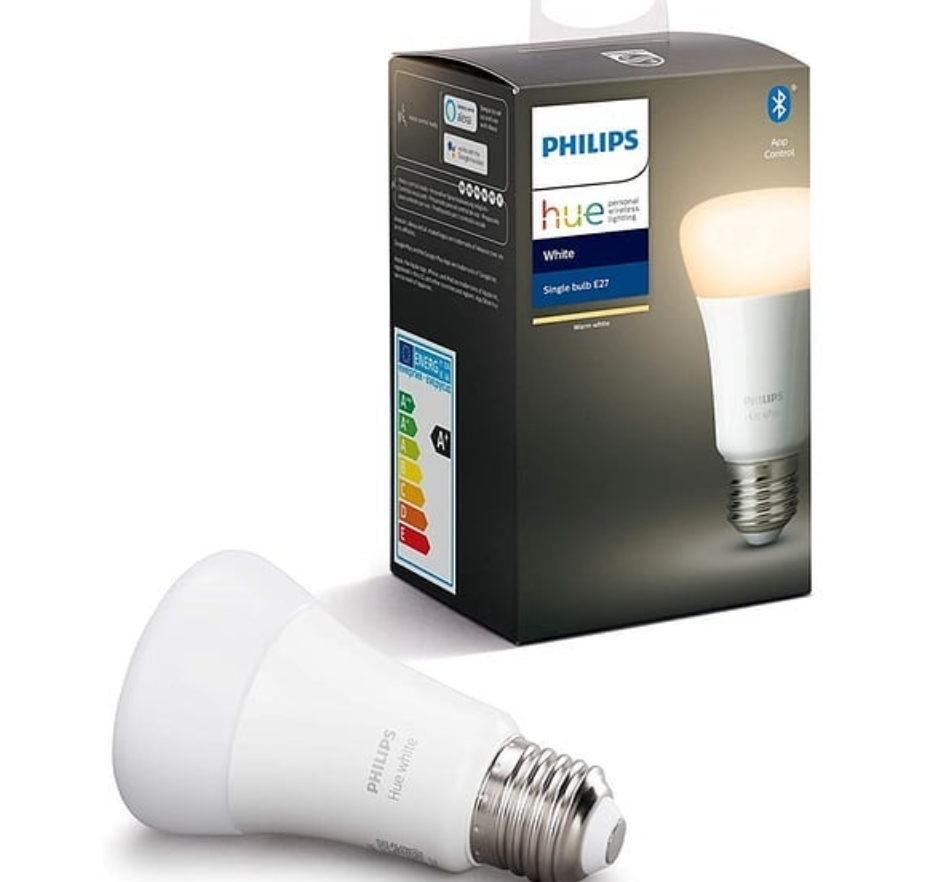
Recommended Philips Hue Starter Kit
More bulbs = stronger mesh = fewer “unreachable” errors.
👉 See the Philips Hue starter kits on Amazon
FAQ
Q: Why does my Hue bulb keep going unreachable?
A: Range, power interruption, or a weak mesh. Move it closer or power-cycle.
Q: How do I reset a Philips Hue bulb?
A: Turn it on/off 5 times quickly on a lamp.
Q: Do Hue bulbs need the internet to work?
A: No, but the bridge and app need a local network.