Quick Answer
Flickering Hue bulbs are almost always a power or signal issue. First, restart the Hue Bridge (unplug it for 10 seconds). If the flicker continues, make sure the bulb is on a compatible dimmer-free switch, the cable is firmly seated, and the power isn’t dirty. A quick factory reset of the bulb in the Hue app usually solves the rest.
Why Are My Hue Bulbs Flickering?
- Old/dirty wall dimmer — Hue bulbs don’t work well with traditional dimmer switches
- Loose bulb in the socket
- Underpowered or dimmable wrong switch cutting power
- Weak Zigbee signal — bulb too far from the Bridge
- Firmware needs updating
Quick Fixes in Order
- Restart the Hue Bridge: unplug it for 10 seconds, plug it back in, wait 2 minutes.
- Check the switch: turn the wall switch fully on and remove any old dimmer — Hue bulbs expect full power.
- Re-seat the bulb: turn it off at the switch, unscrew it, re-seat firmly, then back on.
- Move closer / add a Hue bulb nearer the Bridge to boost the Zigbee mesh.
- Update firmware: in the Hue app go to Settings → Bridge/lights and check for updates.
- Factory reset the bulb: in the Hue app, remove the bulb, then re-add it.
Still Flickering? Troubleshoot
| Problem | Fix |
|---|---|
| Flickers on one switch only | Replace that switch with a non-dimmable one |
| Flickers at random times | Likely weak signal — move a Hue bulb closer to the Bridge |
| All lights flicker together | Restart the Bridge and check your router/power |
| Strobe light effect | Turn off “Instantaneous dimming” in the app if available |
Recommended Hue Starter Kit
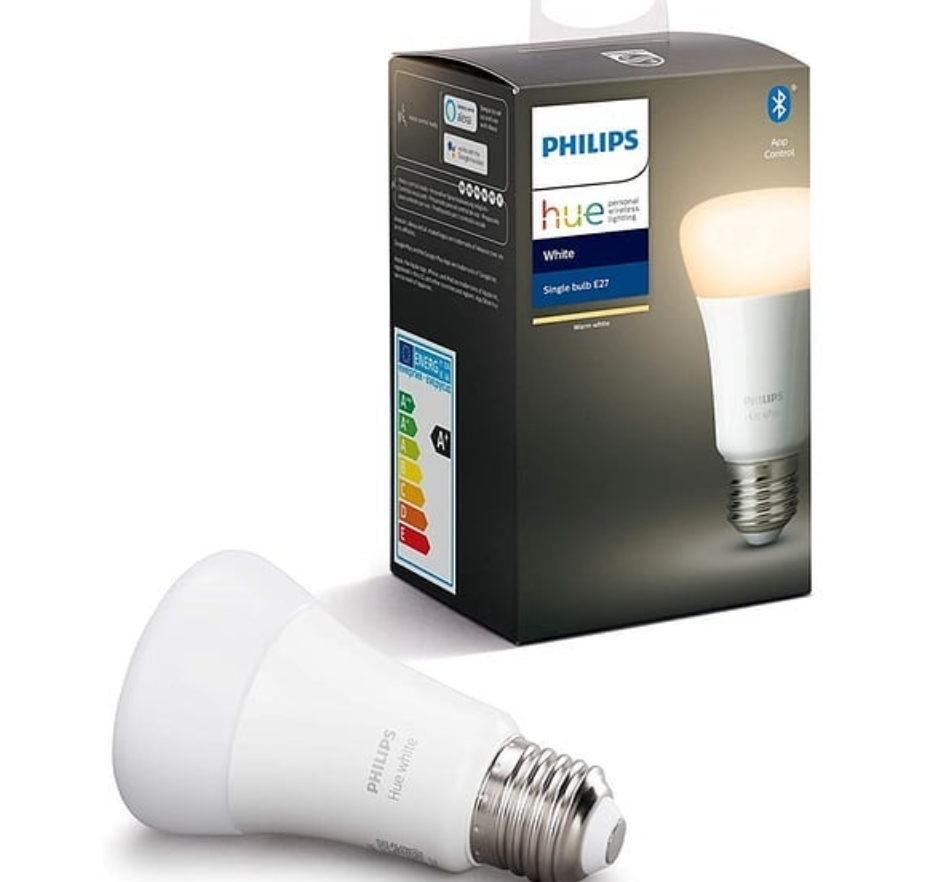
If your lights are old or you want the most reliable setup, the Philips Hue starter kit includes a Bridge and bulbs that pair cleanly.
👉 Check the Philips Hue Starter Kit on Amazon
FAQ
Q: Do Hue bulbs work with a dimmer switch?
A: They can, but old-style (leading-edge) dimmers often cause flicker. Use a Hue dimmer switch or a fully non-dimmable wall switch.
Q: Why does only one bulb flicker?
A: Usually a loose bulb, a bad socket, or that one bulb being far from the Bridge.
Q: Is flickering dangerous?
A: It’s usually just annoying, but if a bulb runs hot or smells burnt, replace it immediately.